0/16

Optional images for editing or visual reference.

4 styles · Page 1/1

Click an image to select it. Use the magnifier to preview.

Anonymous users can generate once for free. After logging in, get 2 free generations daily.

Public

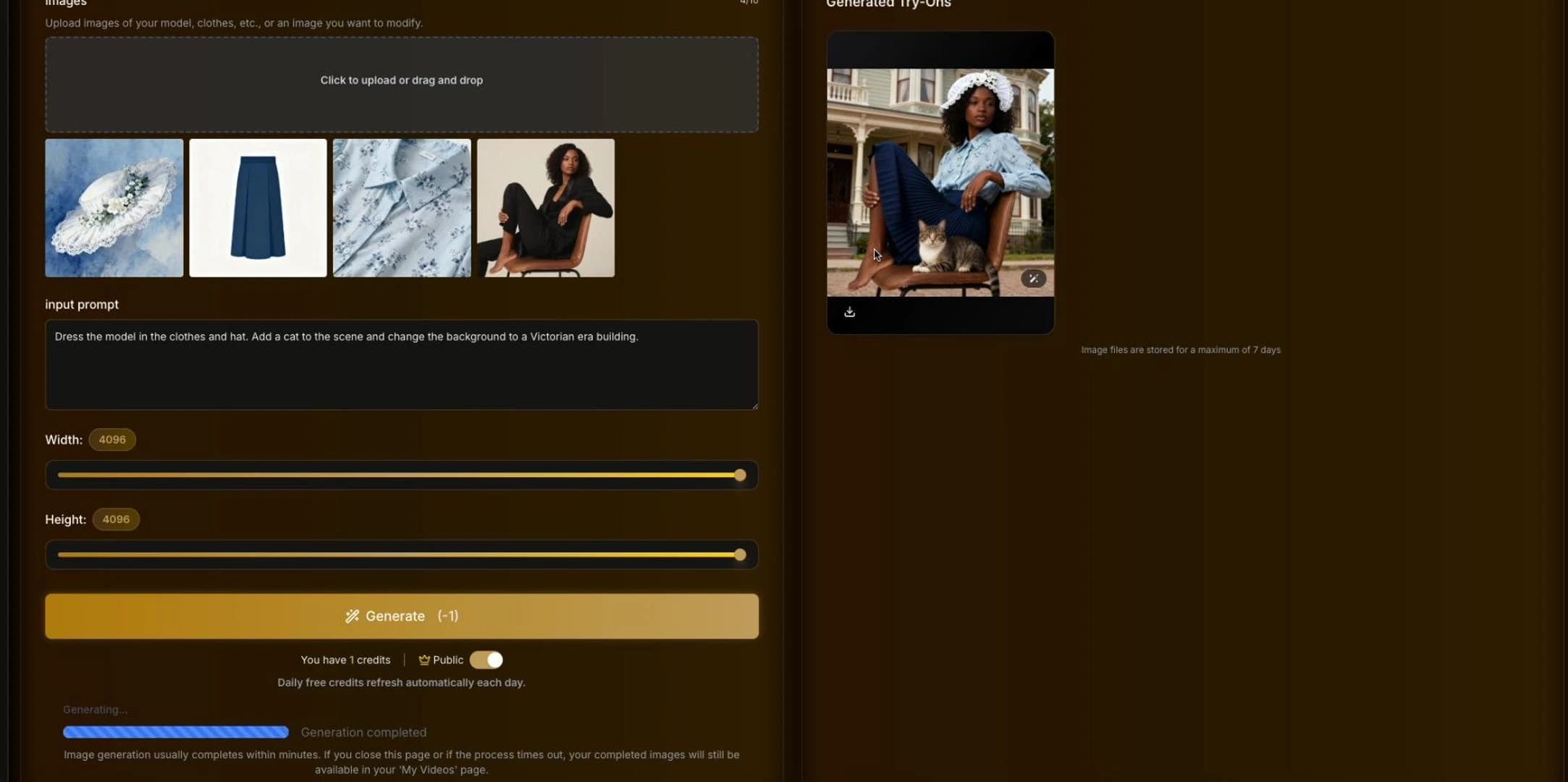
Generated Try-Ons

Generated try-on images will appear here.

Virtual Ring Try On

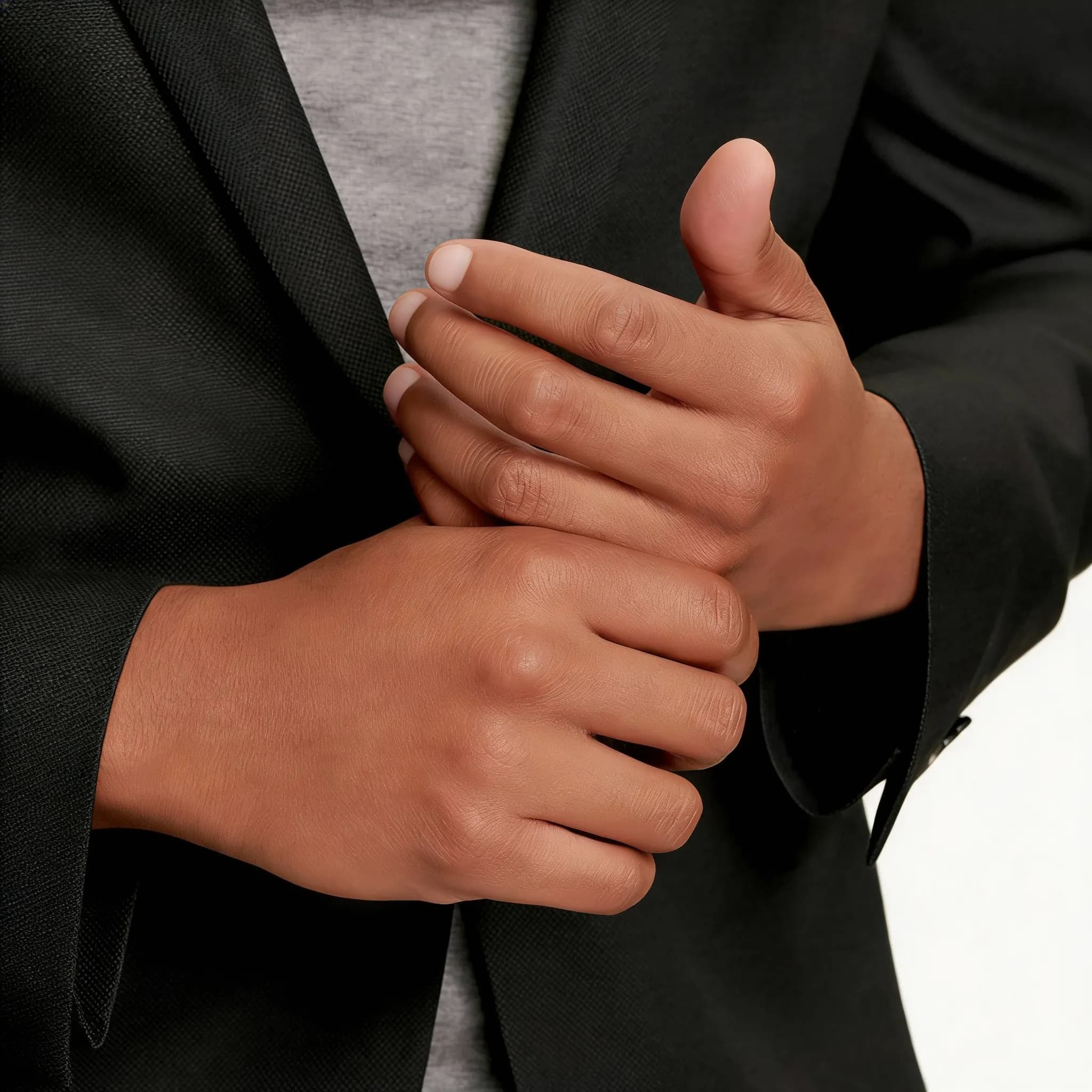
Upload a photo of your hand and try on different rings instantly.

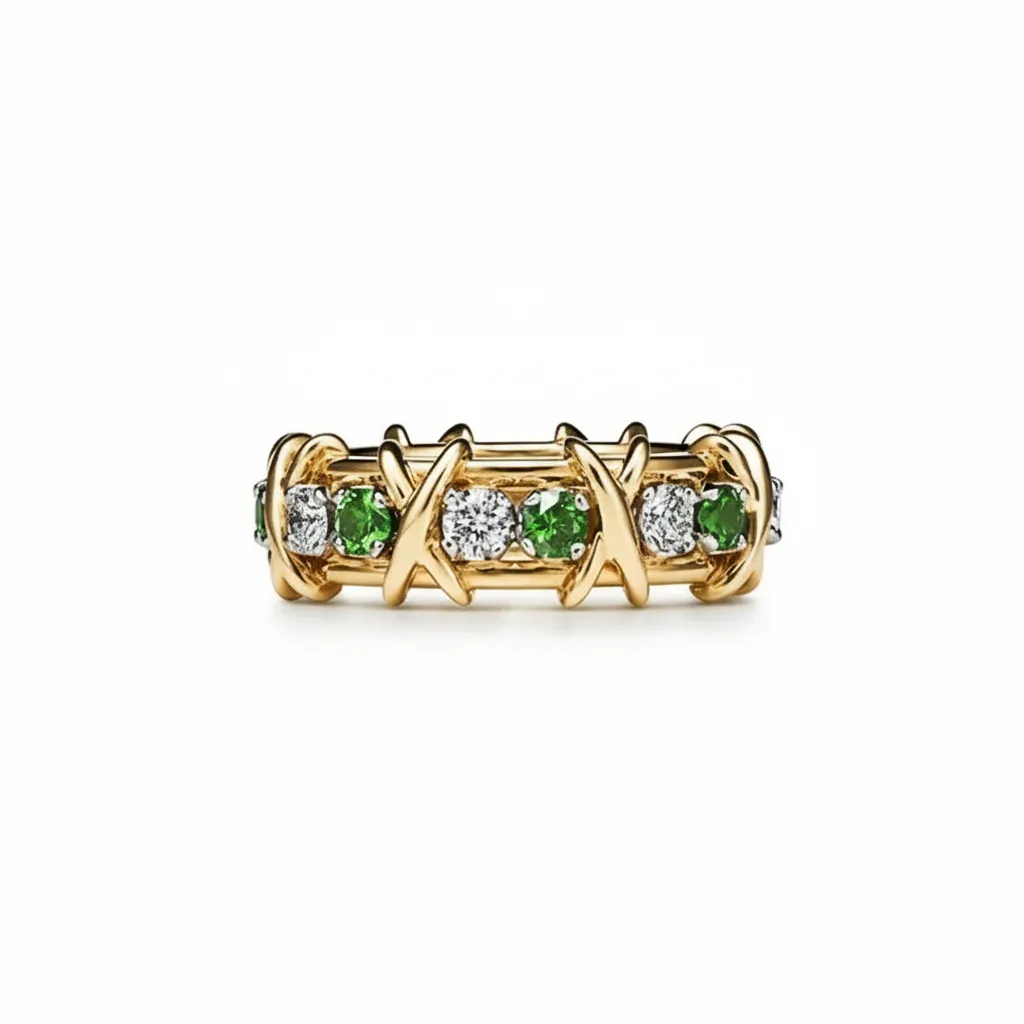
Reference image
Person photo

Prompt: Describe the ring you want to try on (e.g., 'gold diamond engagement ring', 'silver band').

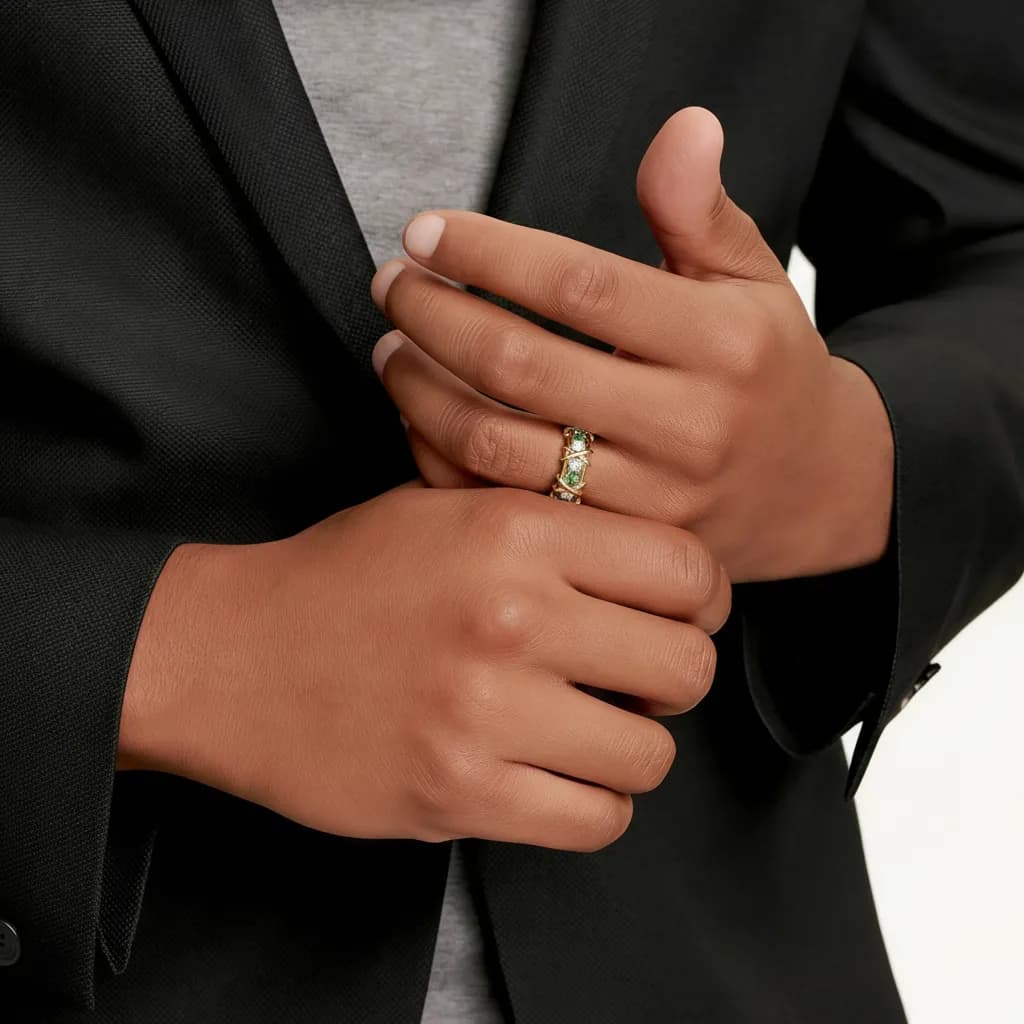
AI-generated image

AI Result

Virtual Try On Pricing

Choose a plan to instantly access virtual try on. Generate realistic outfit and accessory try-on images for your projects.

Standard

$19.99-20%

$16.67/mo

$199.99 billed yearly

7,800 credits

6,000 credits

+1,800 Bonus Credits+30%

All credits are issued annually and refresh on renewal.

  • Private try-on images allowed
  • High quality try-on output
  • Watermark-free paid generations
  • Advanced virtual try on model
  • Priority virtual try on generation
Save 50%

Pro

$29.99-20%

$25.00/mo

$299.99 billed yearly

12,600 credits

9,600 credits

+3,000 Bonus Credits+31.25%

All credits are issued annually and refresh on renewal.

  • Private try-on images allowed
  • High quality try-on output
  • Watermark-free paid generations
  • Advanced virtual try on model
  • Priority virtual try on generation

Basic

$9.99-20%

$8.33/mo

$99.99 billed yearly

3,120 credits

2,400 credits

+720 Bonus Credits+30%

All credits are issued annually and refresh on renewal.

  • Private try-on images allowed
  • High quality try-on output
  • Watermark-free paid generations
  • Advanced virtual try on model
  • Priority virtual try on generation

One-Time Purchase

Pay as you go. No subscription. Credits never expire.

PriceCredits

$199.99

3,200 credits

$99.99

1,600 credits

$49.99

800 credits

How to Use

How to Use Virtual Ring Try On

See how different rings look on your finger before you buy. Our AI technology places rings realistically on your hand photo.

1

Upload Hand Photo

Upload a clear photo of your hand. Ensure good lighting and that your fingers are clearly visible.

2

Describe the Ring

Describe the ring you want to try on (e.g., 'gold diamond engagement ring', 'silver band').

3

Generate Try-On

Click 'Generate' to see the ring on your finger. Download the result to share or save for later.

Frequently Asked Questions

Frequently Asked Questions

Everything you need to know about Virtual Ring Try On

Do I need a special camera?

No, any clear photo from a smartphone works. Just make sure your hand is in focus and well-lit.

Can I try different ring styles?

Yes, you can describe any ring style in the prompt - vintage, modern, gemstone, simple bands, etc.

Is it accurate for sizing?

This tool is for visual style reference only, not for precise ring sizing. Please visit a jeweler for accurate sizing.

How long does it take?

It typically takes less than a minute to generate your ring try-on image.

Is it free?

We offer daily free credits. For more try-ons, you can purchase premium plans.

Can I use this for my jewelry business?

Yes, commercial use is allowed. It's great for showcasing potential designs to clients.

Why choose us?

Explore virtual ring try-on from a hand photo and ring references before choosing a look.

  • Start with your own ideas

    Add photos or reference images and describe what you want to change in your prompt.

  • One browser workflow

    Upload, generate, and download images online without installing a separate editor.

  • See the credit cost

    The generator shows required credits before submission. Compare plans and review usage terms before buying.

AI images are visual previews. Results may vary and do not confirm physical fit, sizing, or exact color.